在GitHub建立hexo源仓库
将本地原始数据push上去
使用submodule将主题添加
例如:
1
2
3
| [submodule "themes/butterfly"]
path = themes/butterfly
url = https://github.com/jerryc127/hexo-theme-butterfly
|
去获取发布仓库的PAT
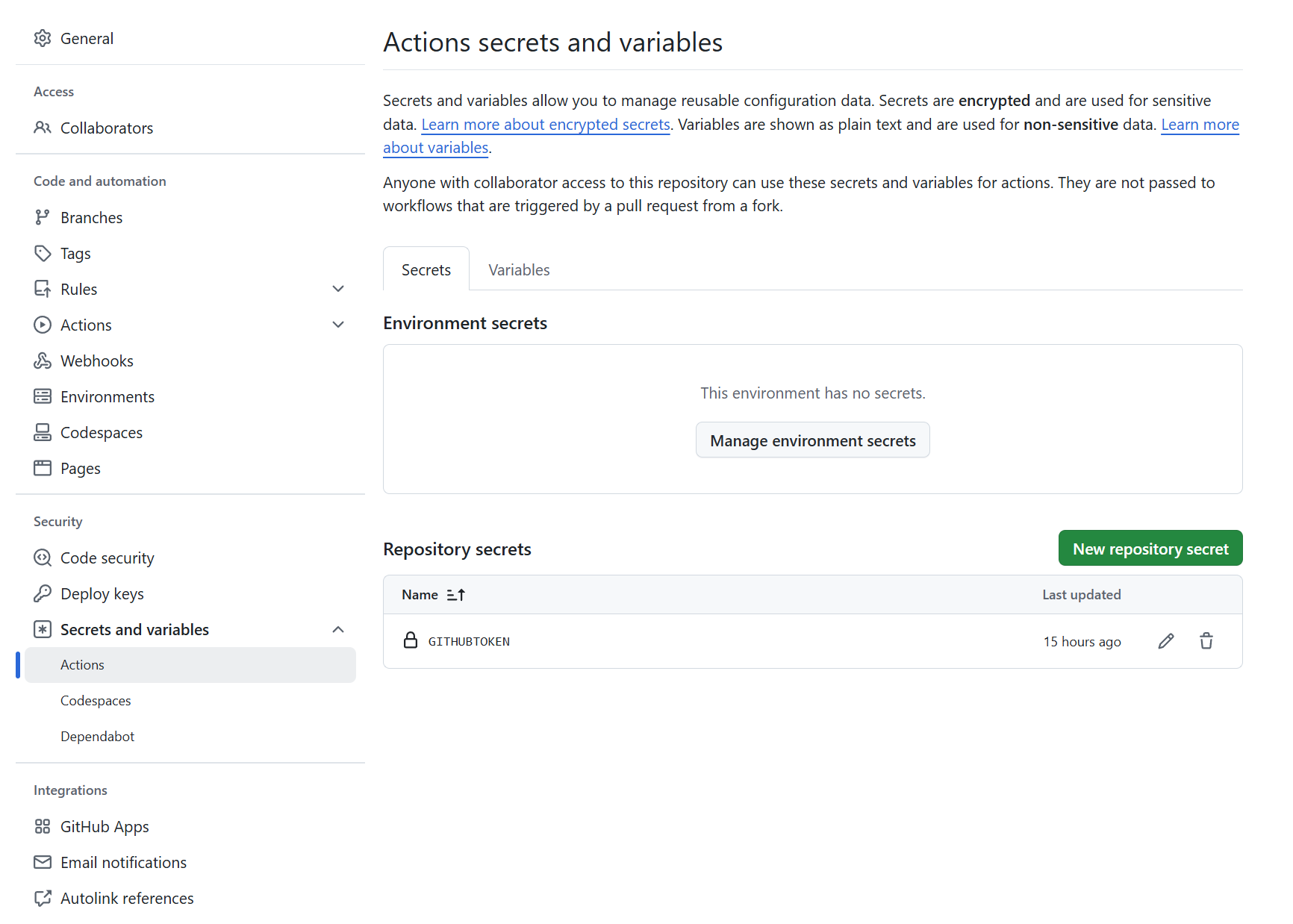
再在源仓库secret中添加GITHUBTOKEN,如图:
建立workflows/deploy.yaml
1
2
3
4
5
6
7
8
9
10
11
12
13
14
15
16
17
18
19
20
21
22
23
24
25
26
27
28
29
30
31
32
33
34
35
36
37
38
39
40
41
42
43
44
45
46
47
| name: Deploy hexo blog
on:
workflow_dispatch:
push:
branches:
- main
jobs:
build:
runs-on: ubuntu-latest
strategy:
matrix:
node-version: [20.x]
steps:
- uses: actions/checkout@v4
- name: Use Node.js ${{ matrix.node-version }}
uses: actions/setup-node@v4
with:
node-version: ${{ matrix.node-version }}
- name: Configuration environment
run: |
sudo timedatectl set-timezone "Asia/Shanghai"
git config --global user.name "${{ secrets.USERNAME }}"
git config --global user.email "${{ secrets.EMAIL }}"
- name: Set up PAT for git
run: |
git config --global url."https://${{ secrets.GITHUBTOKEN }}@github.com/".insteadOf "git@github.com:"
git remote set-url origin ${{ secrets.GITURL }}
git submodule update --init
- name: Install dependencies
run: |
export TZ='Asia/Shanghai'
npm i -g hexo-cli
npm install
cd themes/butterfly/ //切换成自己的主题
npm install
- name: Deploy hexo
run: |
hexo clean
hexo bangumi -u //bangumi
hexo g
gulp //压缩
hexo d
|
需要将在 hexo 的根目录创建一个文件 _config.butterfly.yml,并把主题目录的 _config.yml 內容复制到 _config.butterfly.yml 去,根据自己主题而定。